← All articlesAdministration › Setup
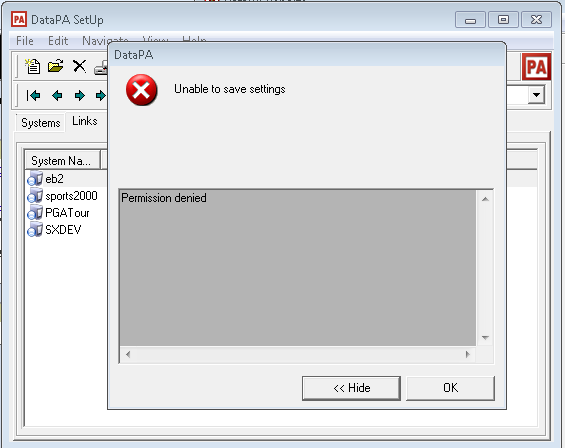
What is wrong when I get a Permission Denied message when trying to save in the DataPA Setup screen.
This message indicates that you do not have permission to save to the folder that has been designated as your Data Location. To resolve this problem you need to change the permissions on the folder that has been designated as your Data Location to allow your user write access.
Updated 12 April 2018
This message indicates that you do not have permission to save to the folder that has been designated as your Data Location.
To resolve this problem you need to change the permissions on the folder that has been designated as your Data Location to allow your user write access.
