In Versions before 6.0. The DataPA option for Access was an 'Add-In' that Appeared under the 'Add-ins 'Menu item.
From Version 6.5.0152 onwards the DataPA option for Access is now a DataPa Application that is accessible from the start menu. The item is named 'DataPA Accedd Utility'.

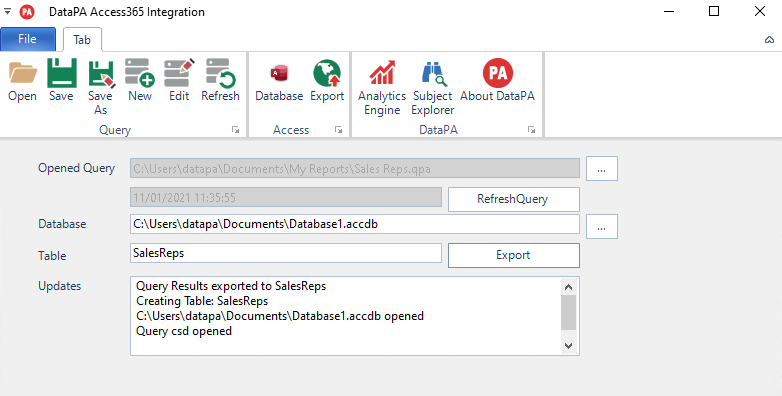
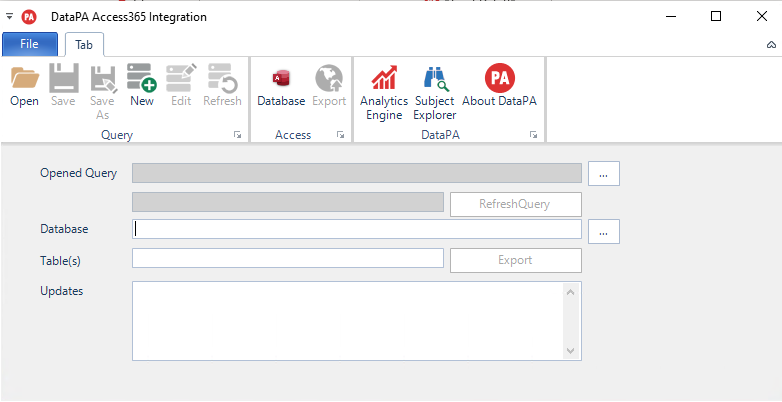
The screenshot below shows the Access Integration Window.
The Process involves the following steps
- Open or Create a Query
- Refresh the query
- Select the Access Database to push the data to.
- Enter the Table Name(s) for the Export to populate
- Run the Export.
The Updates text area displays the results of the steps that are done,
Selection of a Query and Database are able to be donw by the Ribbon Buttons or the buttons by the Query /Database Labels